Laptop Repair and Cleaning Services in Egypt — Your Complete Guide to a Faster, Cooler, and Longer-Lasting Laptop
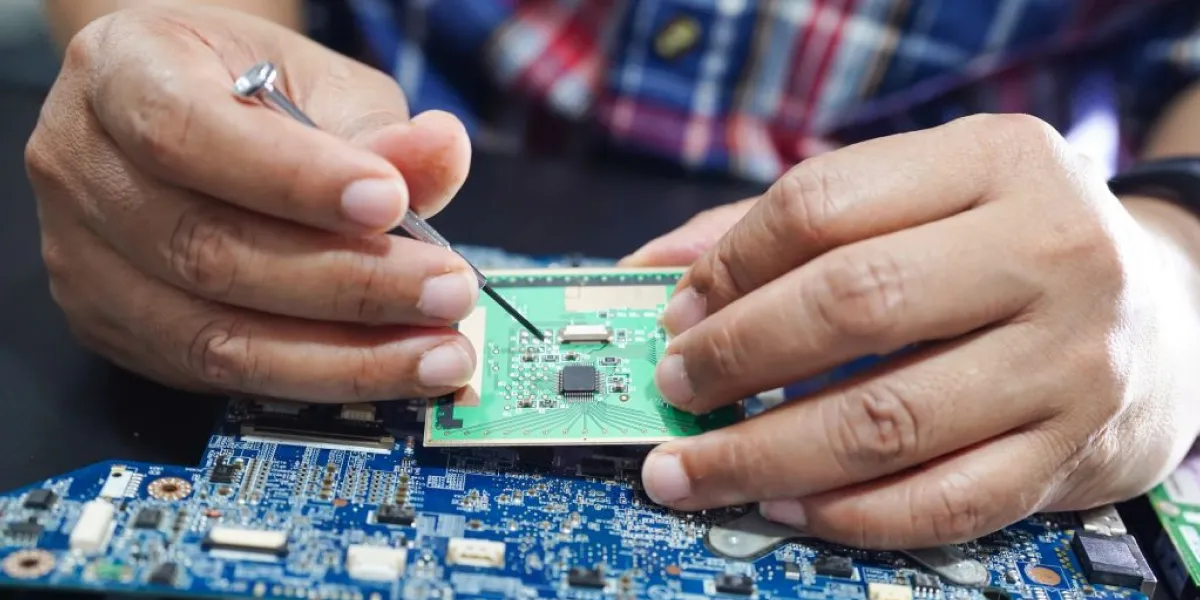
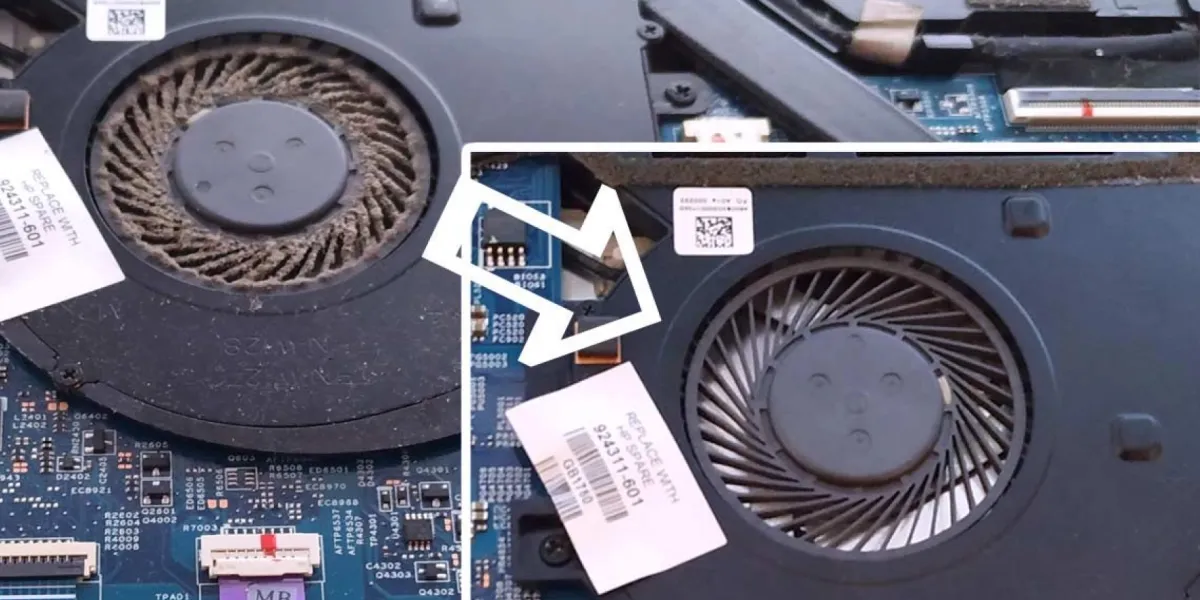
Before and after comparison of a dusty laptop fan cleaned professionally to improve cooling and resolve overheating issues.

Laptop Repair and Cleaning Services in Egypt — Your Complete Guide to a Faster, Cooler, and Longer-Lasting Laptop

Introduction

With Laptop Repair and Cleaning increasing reliance on laptops for work, online classes, business, and daily tasks, many users in Egypt face issues like overheating, slow performance, fan noise, and battery failure. These problems usually occur due to dust accumulation, lack of maintenance, or damaged internal components.

This guide explains everything about laptop repair and cleaning services in Egypt, how to identify problems early, and why regular maintenance is essential to keep your device running smoothly.


Why Your Laptop Needs Regular Cleaning in Egypt

Click Here For Booking Maintenance Or Chat with us

Egypt’s environment is especially harsh on laptops because of:

  • High dust levels
  • Hot weather
  • Humidity in coastal areas
  • Frequent transport of laptops in bags and cars
  • Long working hours

Dust builds up inside the fans, vents, and heat sinks — blocking airflow and causing extreme heat. Over time, this leads to:

  • CPU and GPU overheating
  • Fan noise
  • Sudden shutdown
  • Thermal throttling (slow performance)
  • Damage to internal components
  • Regular cleaning protects the laptop from long-term damage and keeps temperatures low.

Common Laptop Problems Caused by Dust and Heat

1. Overheating

Dust blocks airflow, causing components to heat beyond safe limits.

2. Fan Noise

When fans are overloaded with dust, they spin faster and make loud noises.

3. Slow Performance

Heat forces the processor to reduce speed for protection.

4. Battery Damage

High temperature accelerates battery wear and shortens lifespan.

5. Sudden Shutdown

A laptop may turn off automatically to prevent internal damage.

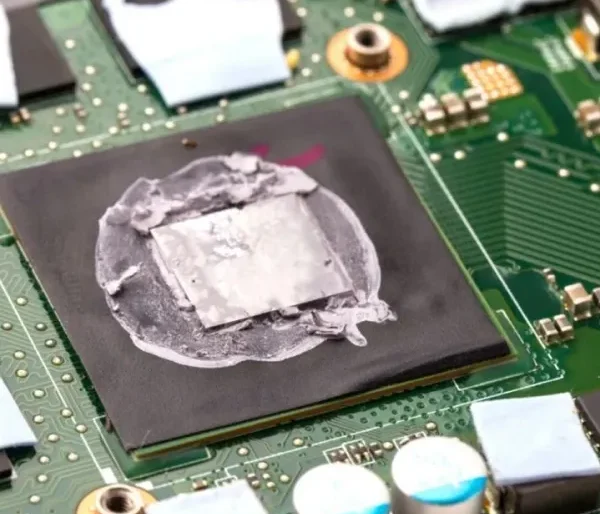
6. Thermal Paste Drying

The thermal paste between the CPU and heatsink dries faster in hot climates.

All of these problems can be avoided with proper, timely maintenance.

What Happens During a Professional Laptop Cleaning Service?

When you bring your laptop for cleaning and repair, a technician typically performs:

  • Complete disassembly
  • Dust removal using tools and compressed air
  • Fan cleaning and lubrication if needed
  • Heat sink cleaning
  • Thermal paste replacement (very important)
  • Cleaning ports and vents
  • Internal motherboard inspection
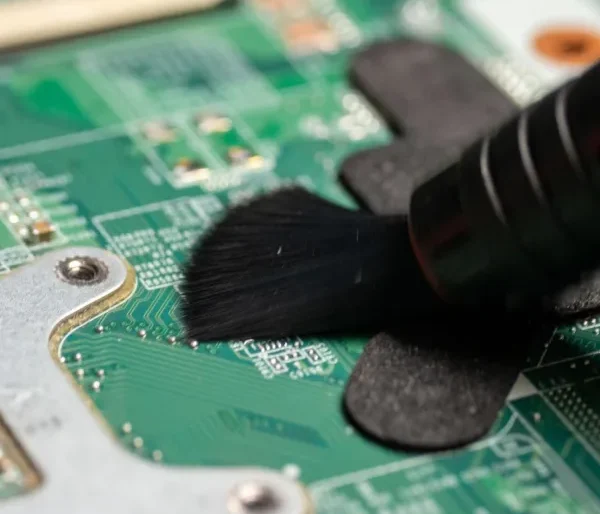
Close-up of a technician using a soft brush to clean a laptop motherboard as part of professional laptop repair and internal cleaning services.
Technician carefully brushing dust off electronic circuits on a laptop motherboard to prevent overheating and improve performance.
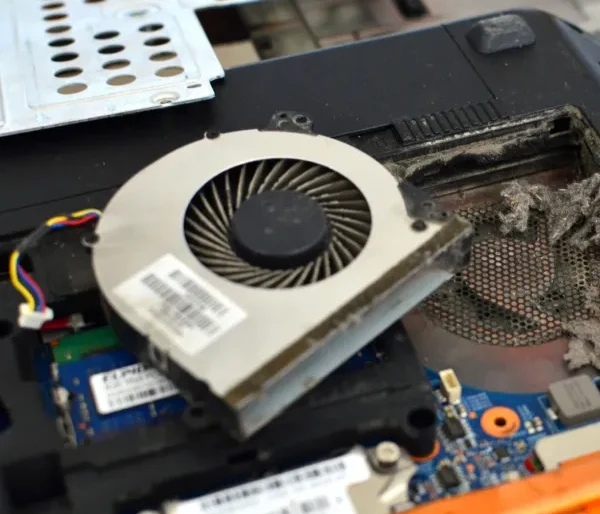
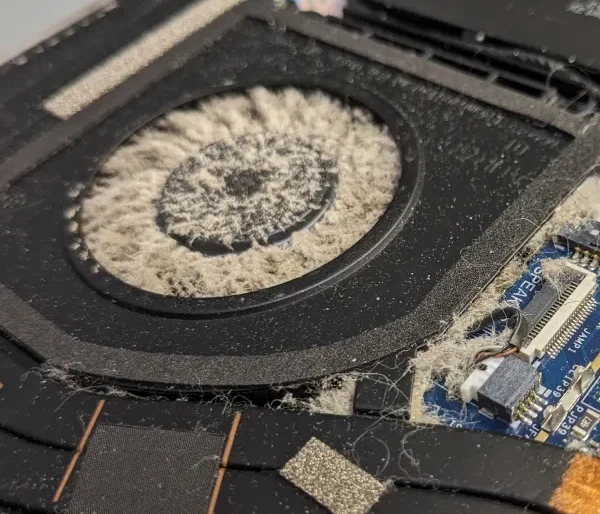
Disassembled laptop showing dust buildup inside the ventilation system, highlighting the importance of laptop fan cleaning and dust removal.

These steps restore laptop airflow and dramatically reduce temperature.

Signs Your Laptop Needs Repair or Maintenance

  •  The laptop gets hot quickly
  • Visible dust in the vents
  •  The fan is loud all the time
  • Laptop shuts down randomly
  • The battery drains fast
  • The laptop feels slow or unresponsive
  • Keyboard or touchpad stops working
  • The charging port becomes loose
  • If you notice any of these symptoms, immediate service is recommended.

Laptop Repair Services You Should Expect

A complete Laptop Repair & Cleaning Service in Egypt includes:

  • Internal dust cleaning
  • Thermal paste replacement
  • Fan repair or replacement
  • Battery replacement
  • Keyboard repair
  • Screen replacement
  • Charging port repair
  • SSD upgrade
  • RAM upgrade
  • Software optimization
  • Virus and malware removal

This combination of hardware and software services ensures your device works at maximum performance.

Home Tips to Keep Your Laptop Clean & Healthy

  • Use a cooling pad

Reduces temperature during gaming or long work sessions.

  • Keep your laptop on a hard, flat surface

Avoid beds, blankets, and pillows that block airflow.

  • Clean the keyboard and vents weekly

Use a soft brush or compressed air.

  •  Don’t leave your laptop plugged in 24/7

This damages the battery over time.

  • Store your laptop in a padded bag

Protects against physical damage and dust.


Why Laptop Cleaning Improves Performance

Cleaning can:

  • Reduce temperature by up to 20°C
  • Increase laptop speed and responsiveness
  • Reduce fan noise
  • Extend the life of the processor and battery
  • Prevent expensive repairs
  • Improve gaming performance
  • Stop thermal throttling

Regular maintenance keeps your device safe, fast, and efficient.

Conclusion

Laptops in Egypt face unique challenges due to dust, heat, and intensive daily use. Regular laptop repair and cleaning services are essential to keep your device operating smoothly, prevent unexpected breakdowns, and extend its lifespan. Whether you use your laptop for business, study, gaming, or managing your WooCommerce store, maintenance ensures stability and high performance.

By investing in professional cleaning and repairs, you protect your laptop from overheating, improve speed, and avoid costly parts replacement in the future.

Ready to Take Your Laptop Maintenance to the Next Level?

Make sure your laptop gets professional care today. Contact us through our website or book an appointment using our online service form.

Let’s keep your laptop fast, safe, and long-lasting!

Sohaib Salama

Leave a Reply